
NEWYou can now listen to Fox News articles!
We all know the frustration of slow or unreliable Wi-Fi. Whether it’s buffering during a favorite show or lagging video calls, it feels like you spend more time trying to fix the problem than actually enjoying the internet. But with a few easy settings changes, your Wi-Fi can work harder and give you the smooth connection you deserve. These tips don’t require any special apps or subscriptions, just tweak some settings and let your Wi-Fi do the heavy lifting.
Sign up for my FREE CyberGuy Report
Get my best tech tips, urgent security alerts and exclusive deals delivered straight to your inbox. Plus, you’ll get instant access to my Ultimate Scam Survival Guide – free when you join my CYBERGUY.COM newsletter.
DON’T USE YOUR HOME WI-FI BEFORE FIXING CERTAIN SECURITY RISKS
1) Place your router in the right spot for better coverage
Positioning your router in a central, open location ensures the best signal distribution.
Why it helps: Placing your router in a central area and off the floor prevents walls or furniture from blocking the signal. This gives your entire home a better connection.
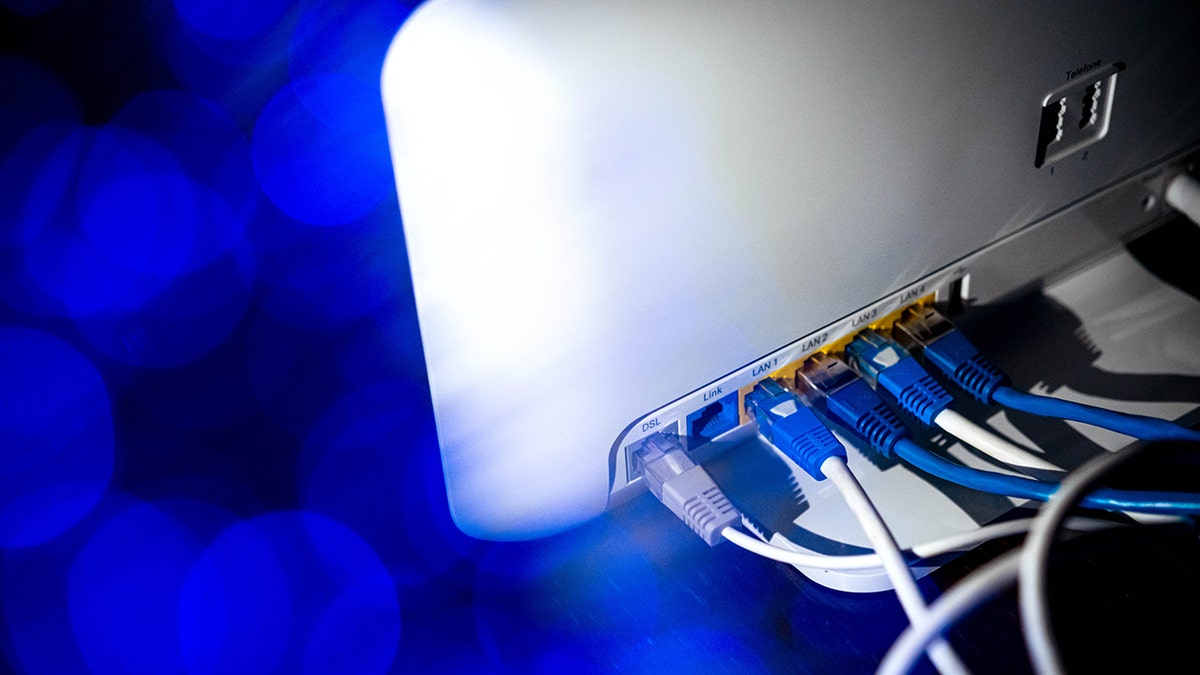
Get the most out of your internet service by learning the settings that keep your Wi-Fi strong and secure. (Sina Schuldt/picture alliance via Getty Images)
2) Restart your router regularly to refresh the signal
Sometimes, the quickest fix is simply restarting your router.
Why it helps: Turning your router off for 30 seconds and back on helps clear out temporary issues and refreshes the connection. It’s a simple fix that can solve slow Wi-Fi or connectivity problems.
3) Keep your router updated for optimal performance
Updating your router’s software ensures you get the latest speed and security improvements.
Why it helps: Router manufacturers often release updates that fix bugs and improve performance. Make sure your router’s firmware is always up-to-date to get the most reliable connection.
5 PHONE SETTINGS TO CHANGE RIGHT NOW FOR A SAFER SMARTPHONE
4) Limit the number of devices on your network
Fewer devices connected to your Wi-Fi means more bandwidth for the devices that matter most.
Why it helps: Each device connected to your network uses bandwidth. If multiple devices are hogging the connection (like smart TVs or game consoles), it can slow things down. Disconnect any unused devices to keep your Wi-Fi fast.
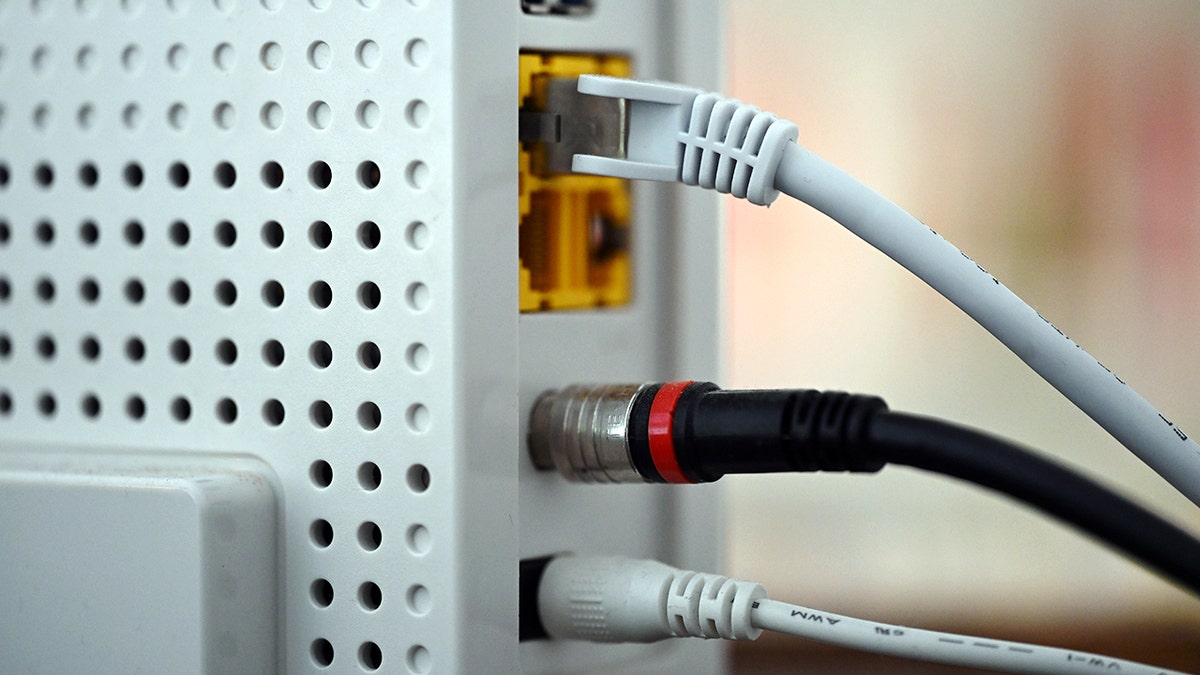
From placing your router in the right spot to upgrading your hardware, these proven fixes can keep your internet running smoothly. (Wolf von Dewitz/picture alliance via Getty Images)
5) Change your Wi-Fi channel or band
If your neighbors are on the same Wi-Fi channel, switching to a less crowded one can help.
Why it helps: Choosing a clearer channel or using the 5 GHz band instead of 2.4 GHz reduces interference and boosts your connection.
IS YOUR HOME WI-FI REALLY SAFE? THINK AGAIN
6) Use a Wi-Fi extender or mesh system
Dead zones in your home can make even fast internet feel slow.
Why it helps: A Wi-Fi extender or mesh network expands your coverage so every corner of your home gets a strong signal.
See my top mesh networking winners at Cyberguy.com (search “Mesh Networking” or “extender”)
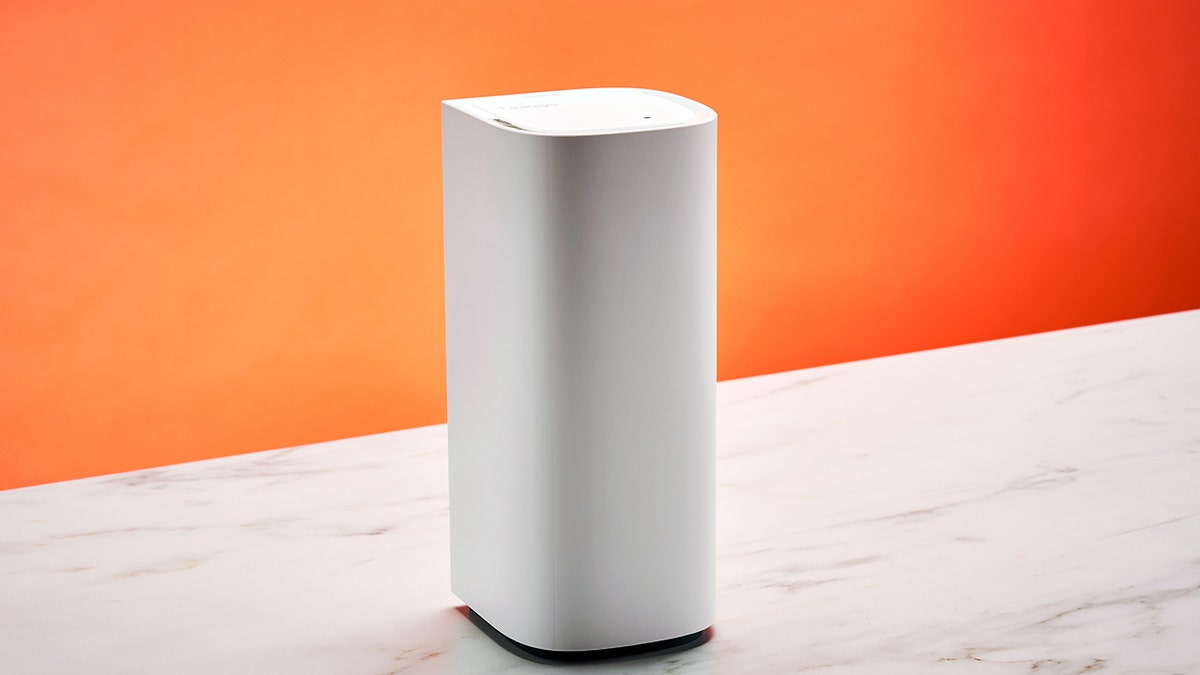
Slow Wi-Fi doesn’t have to be a reality. Learn how simple setting changes can dramatically improve your connection. (Photo by Future Publishing via Getty Images)
7) Secure your network
Protecting your network keeps others from slowing it down.
Why it helps: Using strong passwords and WPA3 or WPA2 encryption prevents freeloaders from connecting and using your bandwidth. Consider using a password manager, which securely stores and generates complex passwords, reducing the risk of password reuse.
Check out the best expert-reviewed password managers of 2025 at Cyberguy.com.
8) Reduce interference from electronics
Some electronics can weaken your Wi-Fi signal.
Why it helps: Keeping your router away from microwaves, cordless phones and Bluetooth hubs prevents interference that can slow your connection.
9) Turn off background apps and updates
Your devices may run apps or updates in the background that eat up bandwidth.
Why it helps: Streaming updates, cloud backups or large downloads can slow your Wi-Fi for everyone. Pausing them during peak times frees up bandwidth for the things you actually want to do.
10) Upgrade your router for faster speeds
Old routers can slow you down. Upgrading to a newer model can provide a significant speed boost.
Why it helps: Newer routers support faster speeds and more devices, which is essential if your home has multiple users streaming, working or gaming at the same time. The FBI recently alerted that hackers are actively targeting outdated routers, so make sure yours is updated and secure.
For my best router picks, check out Cyberguy.com.
6 ways to protect your Wi-Fi router from hackers
Keeping your home network secure is essential to prevent unauthorized access and potential data breaches. Follow these steps to safeguard your Wi-Fi router:
1) Change default passwords
Most routers come with default passwords that hackers can easily find online. To secure your router, change both the admin password (used to access settings) and the Wi-Fi network password. Use a strong password with at least 12 characters, combining uppercase and lowercase letters, numbers and symbols. Avoid simple options like “password123” or personal details such as your name or birth date.
Check out the best expert-reviewed password managers of 2025 at Cyberguy.com.
2) Rename your network (SSID)
The default network name, or SSID, often includes the router’s brand or model, making it easier for hackers to identify vulnerabilities. Rename your network to something unique that doesn’t reveal personal information. Avoid using names, addresses or other identifiers. Instead, opt for a neutral or creative name that’s easy for you to recognize but hard for others to associate with you.
3) Keep your router’s firmware updated
Router manufacturers release firmware updates to patch security flaws and enhance performance. Check your router’s admin panel regularly for updates or enable automatic updates, if supported. Keeping your firmware up to date ensures you’re protected against the latest threats. If your router is too old to receive updates, it might be time to upgrade to a newer, more secure model.
4) Monitor network activity regularly
Unauthorized devices on your network can slow it down and expose you to risks. Log into your router’s admin settings to view all connected devices. If you see anything suspicious, disconnect it and immediately change your Wi-Fi password. You can also enable MAC address filtering to control which devices can access your network or disable features like WPS (Wi-Fi Protected Setup) that may leave you vulnerable.
5) Enable network encryption
Use the strongest encryption protocol available for your router, preferably WPA3 or at least WPA2. Encryption scrambles the data transmitted over your network, making it much harder for hackers to intercept and decipher your information.
6) Regularly reboot your router
Schedule routine reboots to clear the system memory and refresh all connections, which may disrupt potential malware.
7) Use a Virtual Private Network (VPN)
A VPN encrypts your internet traffic, making it much harder for hackers to intercept your data. This protection works anywhere, whether you’re at home, in a coffee shop or on public Wi-Fi. Choose a reputable VPN provider with a no-logs policy and strong encryption standards to keep your information private.
For the best VPN software, see my expert review of the best VPNs for browsing the web privately on your Windows, Mac, Android and iOS devices at Cyberguy.com.
Pro tip: Use strong antivirus software
To further protect your devices from malware and other threats, consider using reputable antivirus software. Antivirus programs can detect and remove malicious software, provide real-time protection and alert you to potential threats. Keeping your devices secure helps ensure your entire network remains safe from cyberattacks.
The best way to safeguard yourself from malicious links that install malware, potentially accessing your private information, is to have antivirus software installed on all your devices. This protection can also alert you to phishing emails and ransomware scams, keeping your personal information and digital assets safe.
Get my picks for the best 2025 antivirus protection winners for your Windows, Mac, Android and iOS devices at CyberGuy.com.
Take my quiz: How safe is your online security?
Think your devices and data are truly protected? Take this quick quiz to see where your digital habits stand. From passwords to Wi-Fi settings, you’ll get a personalized breakdown of what you’re doing right – and what needs improvement. Take my Quiz here: Cyberguy.com.
CLICK HERE TO GET THE FOX NEWS APP
Kurt’s key takeaways
With just a few small tweaks, you can turn your Wi-Fi from frustrating to fast. Start with the easiest changes, then work your way to bigger upgrades. Every adjustment adds up, making your internet smoother and more reliable. Keep these tips in mind, and you’ll spend more time enjoying your connection and less time fixing it.
Got a tip you’d like to share, or what other everyday tech challenges would you like help solving? Let us know by writing to us at Cyberguy.com.
Sign up for my FREE CyberGuy Report
Get my best tech tips, urgent security alerts and exclusive deals delivered straight to your inbox. Plus, you’ll get instant access to my Ultimate Scam Survival Guide – free when you join my CYBERGUY.COM newsletter.
Copyright 2025 CyberGuy.com. All rights reserved.